Nicely said, Stuart — that could be the backbone of an awareness micro-post, or even a visual cue in one of your Cyber Skool Rools cartoons: “Don’t get padlock punk’d.” 🔐
Here’s a sharpened, structured version of your message you could riff on in a guide, video, or animated slide:
🛡️ Spotting Secure Websites: A Simple Habit with Big Impact
-
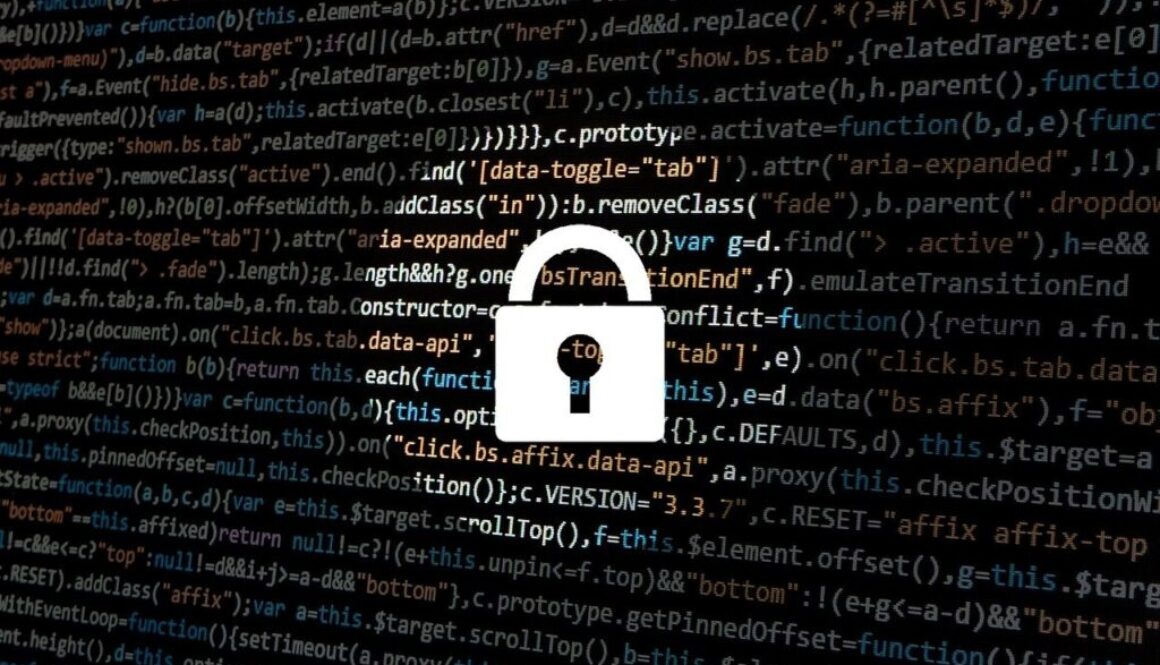
Look for the Padlock 🔒
A small padlock icon in the browser’s address bar shows the site uses a secure certificate.
-
Check the URL
Make sure it starts with https:// — that extra “s” means encryption is active between your browser and the site.
-
Why It Matters:
- Keeps your data encrypted and unreadable to snoops
- Makes man-in-the-middle attacks far harder
- Builds trust with the site you’re visiting
- Helps avoid phishing traps and fake login pages
- Prevents browsers from flagging the site as “Not Secure”