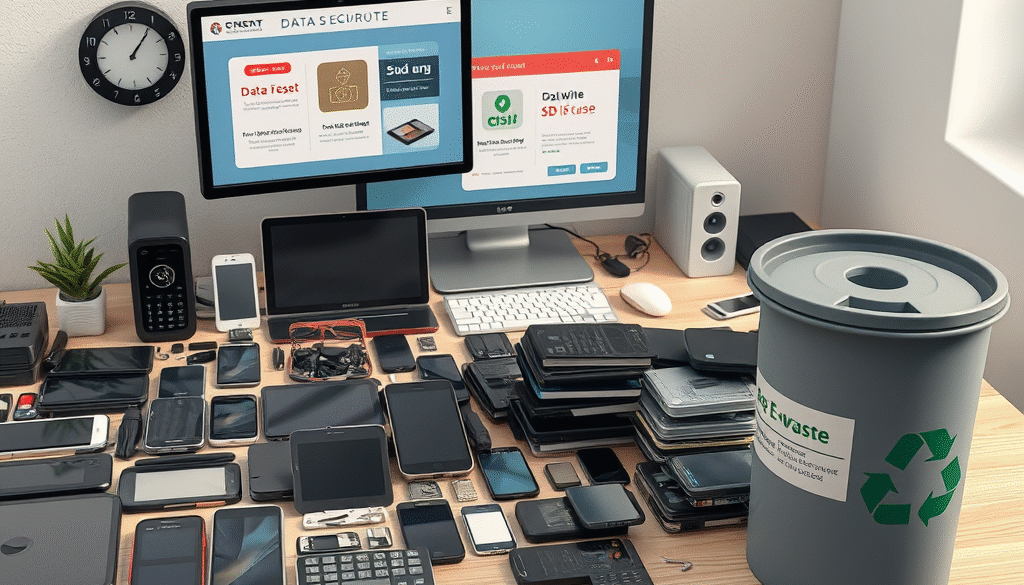
Step-by-Step Guide: Secure Disposal of Old Devices
Step 1: Back Up Important Data
Before wiping anything, ensure all valuable files—documents, photos, contacts—are backed up to a secure location such as:
- An encrypted external hard drive
- A secure cloud storage service
- A company-approved backup system
Step 2: Perform a Factory Reset
Restore the device to its original settings to remove personal data:
- On smartphones/tablets: Use the “Reset” or “Erase All Content” option in settings.
- On computers: Reinstall the operating system or use built-in recovery tools.
Note: A factory reset may not fully erase all data. Proceed to Step 4 for secure erasure.
Step 3: Remove External Storage
Physically remove and securely wipe any removable media:
- SD cards
- SIM cards
- USB drives or external hard drives
These should be wiped separately or physically destroyed if no longer needed.
Step 4: Use Data Wiping Tools
To ensure data cannot be recovered, use certified data erasure tools:
- For Windows: DBAN, Eraser, or BitRaser
- For macOS: Disk Utility (secure erase) or third-party tools like Blancco
- For mobile: Use built-in encryption + factory reset, or apps like iShredder
Ensure the tool meets standards like NIST 800-88 or DoD 5220.22-M for secure erasure.
Step 5: Recycle or Donate Responsibly
Choose a secure and environmentally responsible disposal method:
- Recycle through a certified e-waste recycler (e.g., WEEE-compliant in the UK)
- Donate to a reputable organization that securely refurbishes devices
Request a certificate of destruction or data sanitization if using a third-party recycler.