- Uncategorized
- SMB
- Respond
- Recover
- Protect
- Phishing
- Password
- Newsletter
- Identify
- Govern
- Detect
- Daily Tips
- Cyber Skool Rools
- Cyber Digist
- All
- AI
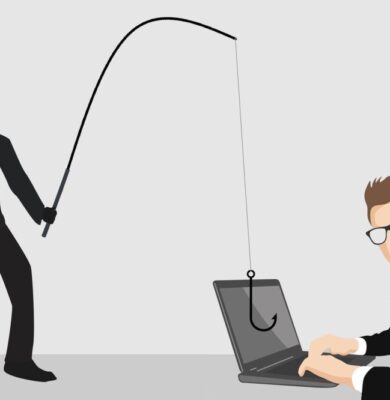
Phishing Urgency
A perfect example of URGENCY in action. Phishing emails try to make you panic so you’ll act without thinking. If […]
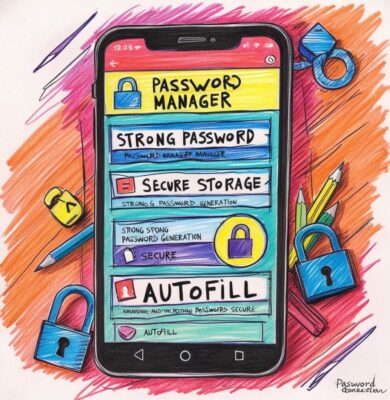
Password managers
Password managers make life so much easier when it comes to keeping your accounts secure. They create strong, unique passwords […]

Not IF, but WHEN
Cyber Resilience: Preparing for the UnexpectedNo business is completely safe from cyber threats, we only need to look at the […]
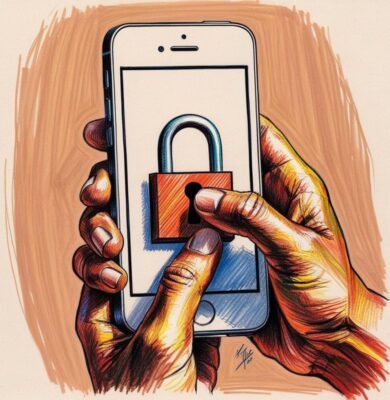
Lock your devices when unattended.
Locking your devices when unattended is a great habit to protect your personal information and prevent unauthorized access. Whether it’s […]

Antivirus software: essential protection.
Antivirus software is a must-have for keeping your devices safe from malware and cyber threats. It provides real-time protection, regularly […]
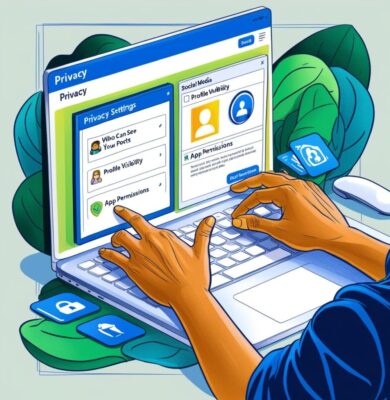
Monitor account activity!
Regularly monitoring your accounts for unusual activity is an essential step in protecting your finances and personal information. Make it […]

Beware of phishing scams.
Beware of phishing scams by verifying the source of unexpected communications, checking URLs before clicking, avoiding sharing personal information, looking […]
Report suspicious e-mails immediately.
Reporting suspicious emails right away is crucial for preventing potential cyber threats. If you receive an email that seems suspicious, […]

Never reuse your passwords.
Never reuse your passwords, keeping them unique is key to protecting your accounts. If you use the same password everywhere, […]

Stay informed!
Keeping up with the latest cyber threats is a smart way to protect yourself online. Check reliable sources regularly, subscribe […]

Clicking or Downloading
Always think twice before clicking links or attachments. Verify the source, look for red flags, hover over links to preview […]

Keep personal information private!
Keeping your personal info safe online is super important! Try not to overshare on social media, what you post can […]

Guard Your Passwords
Guarding your passwords is essential. A password acts as the first line of defence against unauthorized access to your accounts […]
Use complex passwords or passphrases.
For enhanced security, always use complex passwords or passphrases. Combine uppercase and lowercase letters, numbers, and special characters, or use […]

Change your passwords regularly.
Regularly updating your passwords is a crucial practice for maintaining strong online security. Cyber threats are constantly evolving, and outdated […]

Avoid public Wi-Fi for sensitive tasks.
Using public Wi-Fi for sensitive tasks can expose your data to potential threats. Public networks are often unsecured, making it […]

Two-factor authentication.
Two-factor authentication (2FA) or multi factor authentication adds an extra layer of security to your accounts. It requires not only […]

Regular backups are your safety net.
Regular backups are essential for protecting your data. They ensure that you can recover important information in case of hardware […]
Keep your software updated & stay protected.
Keeping your software updated is crucial for maintaining security. Updates often include patches for vulnerabilities that could be exploited by […]